How to 'Lodge' a Cash / Cheque / EFT payment to your Bank Reconciliation Report.
This article will show you how to lodge all Cash/Cheque/EFT payments so that they will appear in the Bank Reconciliation report and match your actual bank statement.
When you accept a non card payment it will appear in the Payment List Report under the Non Card bank account.
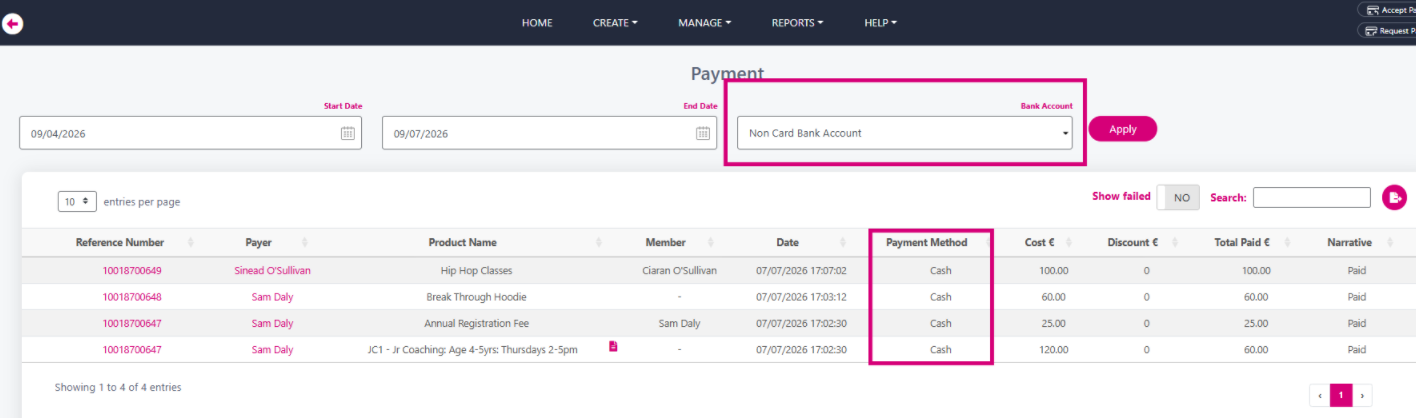
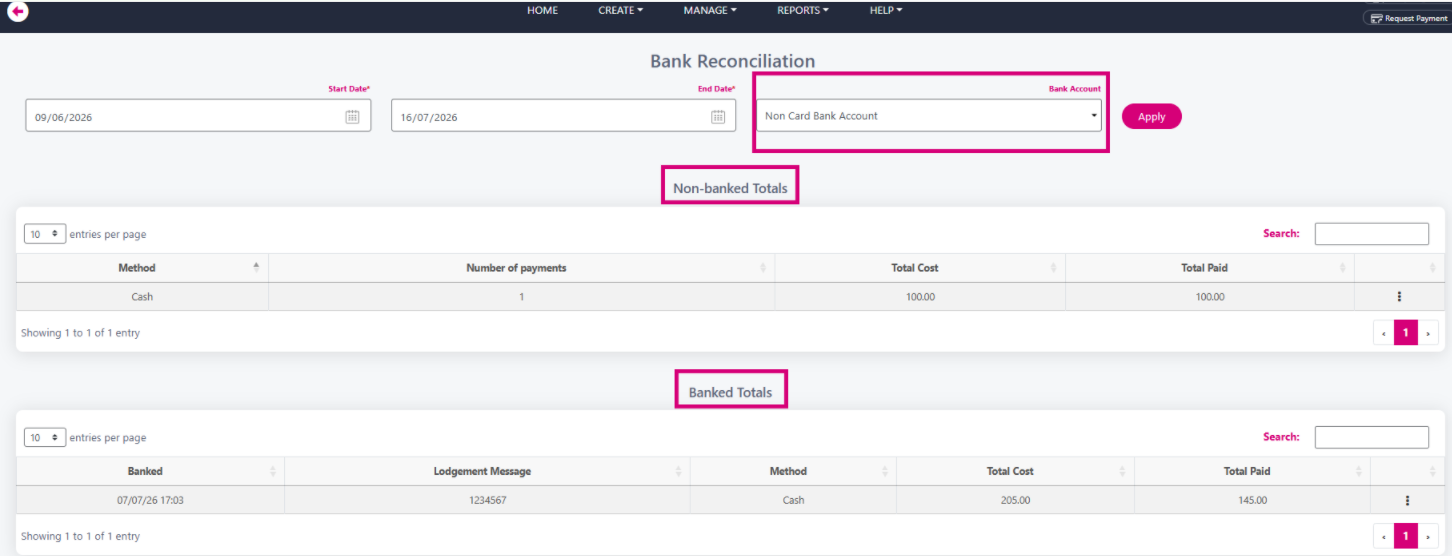
To ensure that these funds appear in your Non Card Bank Reconciliation report and match your actual bank statement you need to lodge them to that report location. Go to Reports -> Payments -> Bank Reconciliation. Select Non Card bank account from the Bank account drop down menu. You will see separate sections for Non-banked Totals and previously Banked Totals on screen.
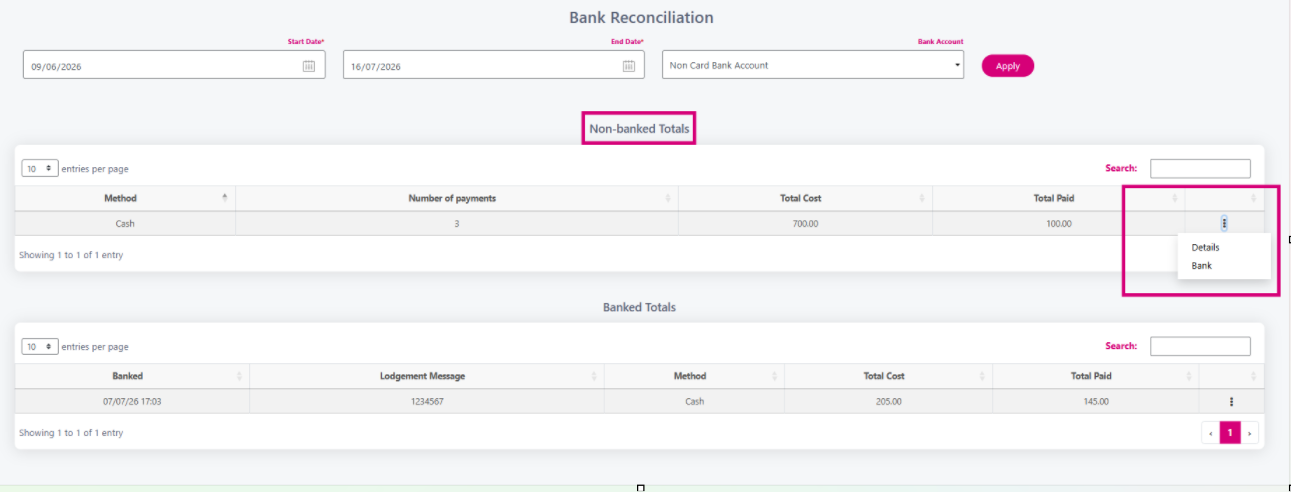
On the Non-banked Totals, click the three black dots on the right and select Bank from the popup.
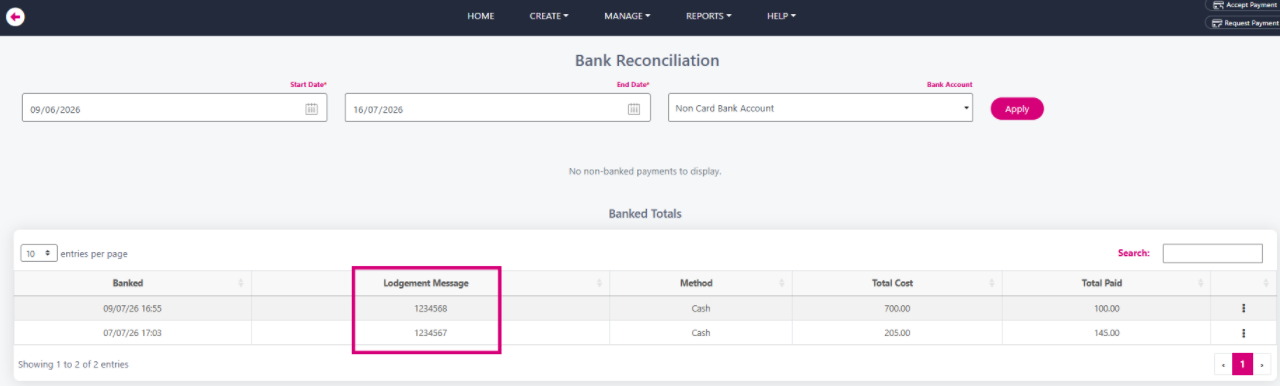
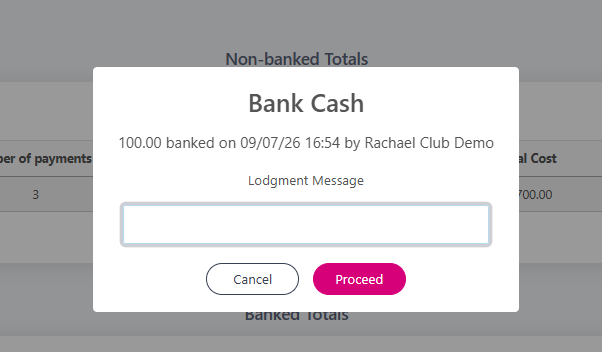
You can leave a message about the lodgement, such as a bank lodgement slip number
Your lodgement to the report is complete and will match your bank statement. Your lodgement message will also appear here.