Manage Classes
Viewing and Deleting Classes
From the Manage menu select 'Classes'.
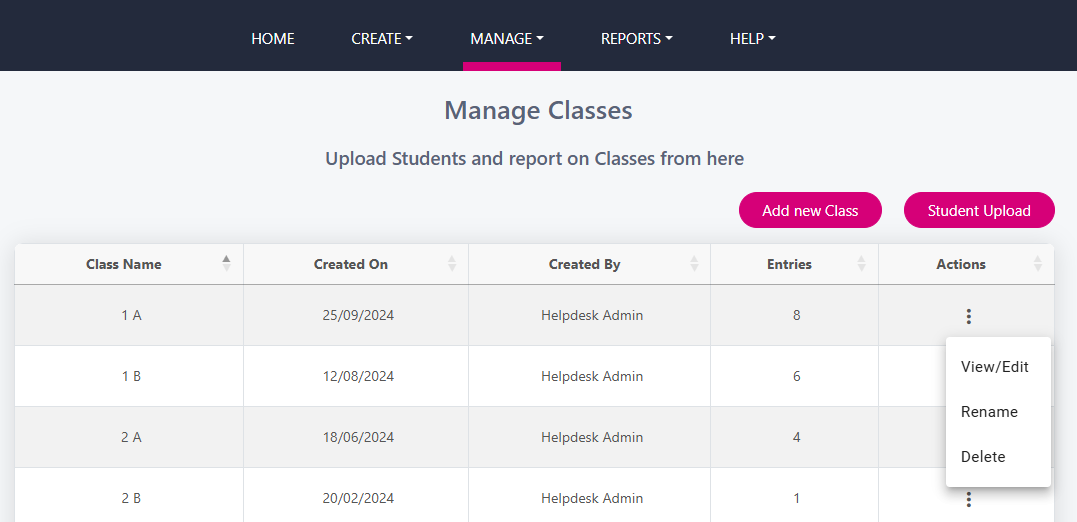
You will be brought to a screen that looks similar to the below and you will see all of your loaded classes. Use the 3 dots beside the class and click ‘View/Edit', ‘Rename’ or ’Delete' a class.
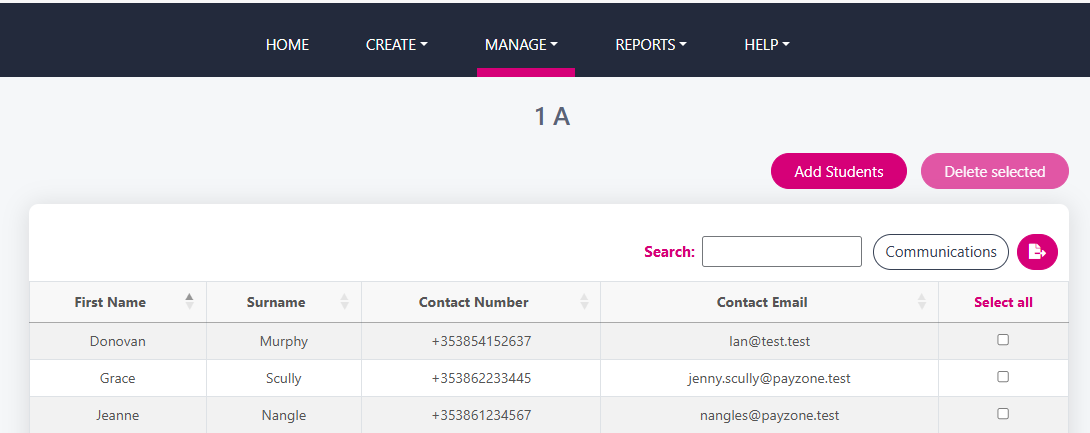
If you click View/Edit, it opens the class to view students. You can add or delete students here.
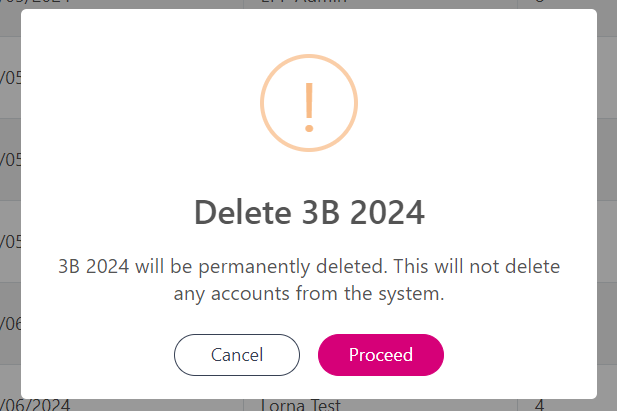
Click the three dots beside the class and select 'Rename' or 'Delete' to perform either task. Deleting the class will generate a message to ensure you wish to delete.