Manage Account Types (Customised Registration)
This article explains how to customise registration for different account types in your organisation. Customised registration lets you collect extra information for main and sub-accounts, such as gender, mobile number, email, categories, and custom questions.
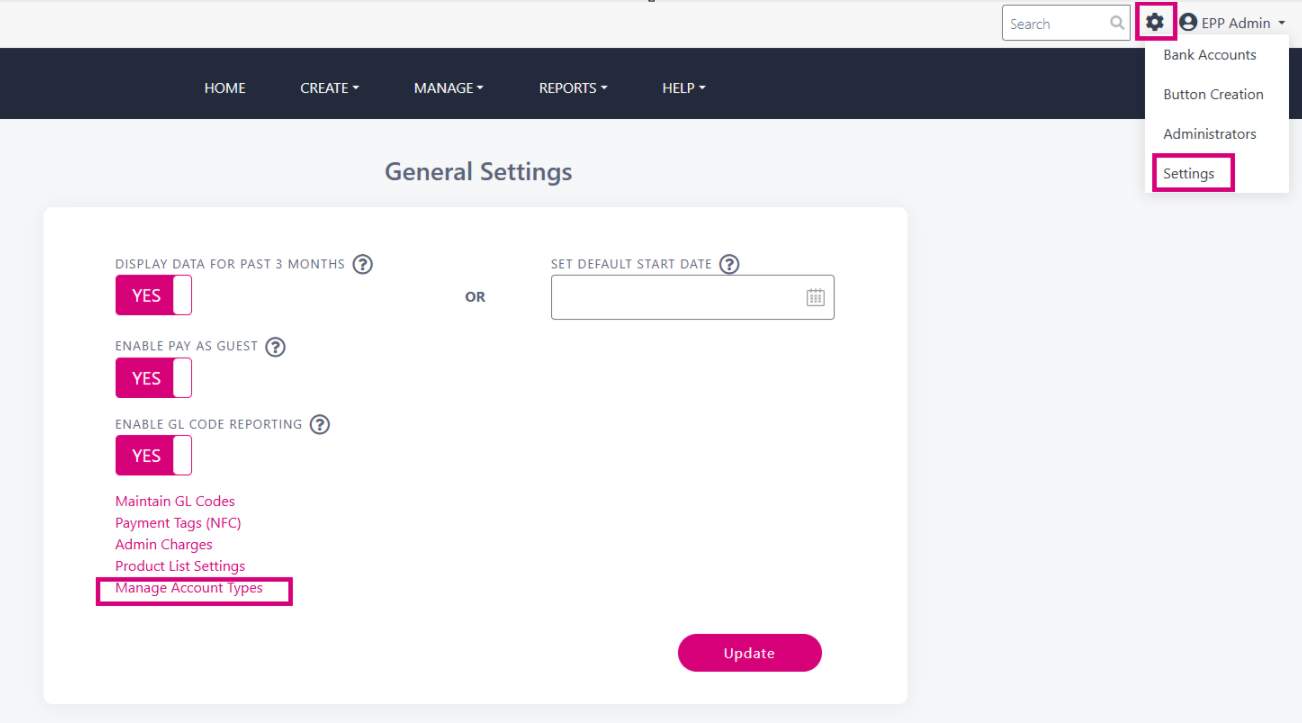
Go to the Settings cog wheel → Select Settings → Select Manage Account Types
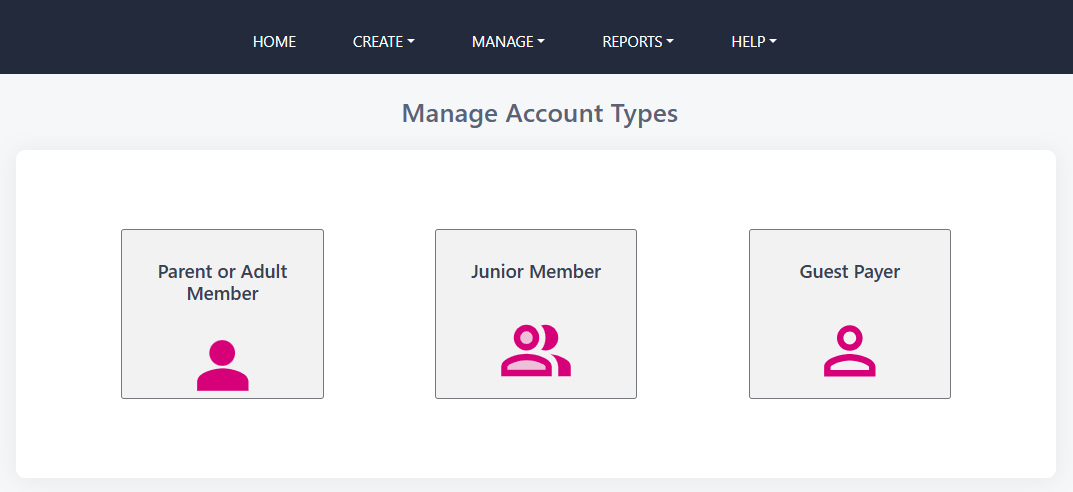
Here are the account types that were set up when your account was boarded. If this feature is not enabled, please contact support@payzone.ie to enable it with your desired account type names. Select a named tile to customise the information for that account type.
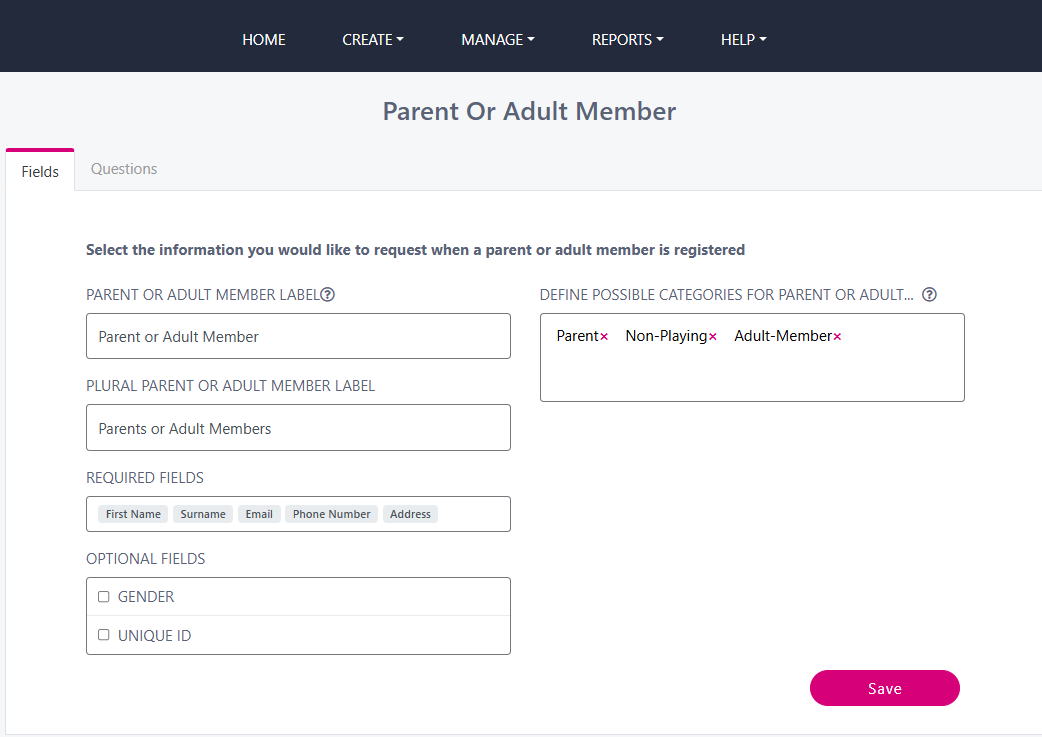
On the Fields tab, define categories such as “Parent” or “Non-playing members” for clubs, or “Parent” or “Guardian” for schools. Type the name in the Define Categories section and press Enter to save.
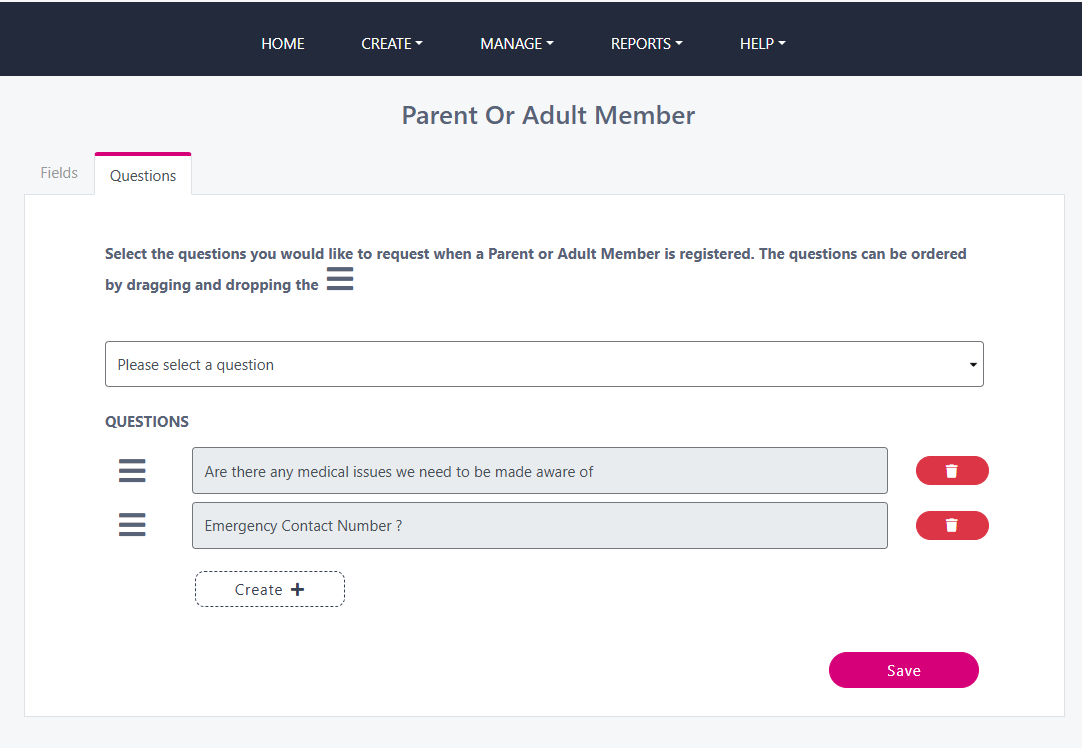
Next, go to the Questions tab to create customised questions relevant to your organisation and account type. Choose from recent questions or create new ones by clicking the Create+ button. Click Save when you are done. You can come back and edit the customisation and questions at any time.
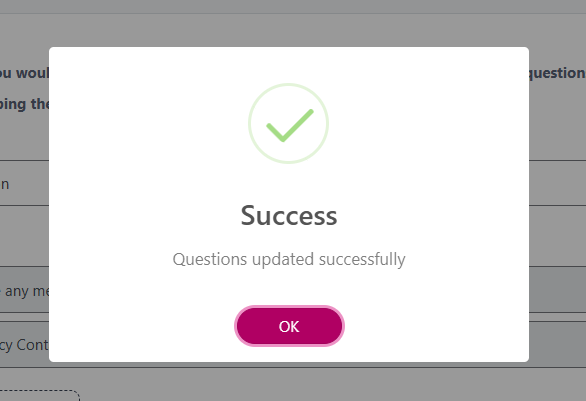
You will see a Success window after you click Save
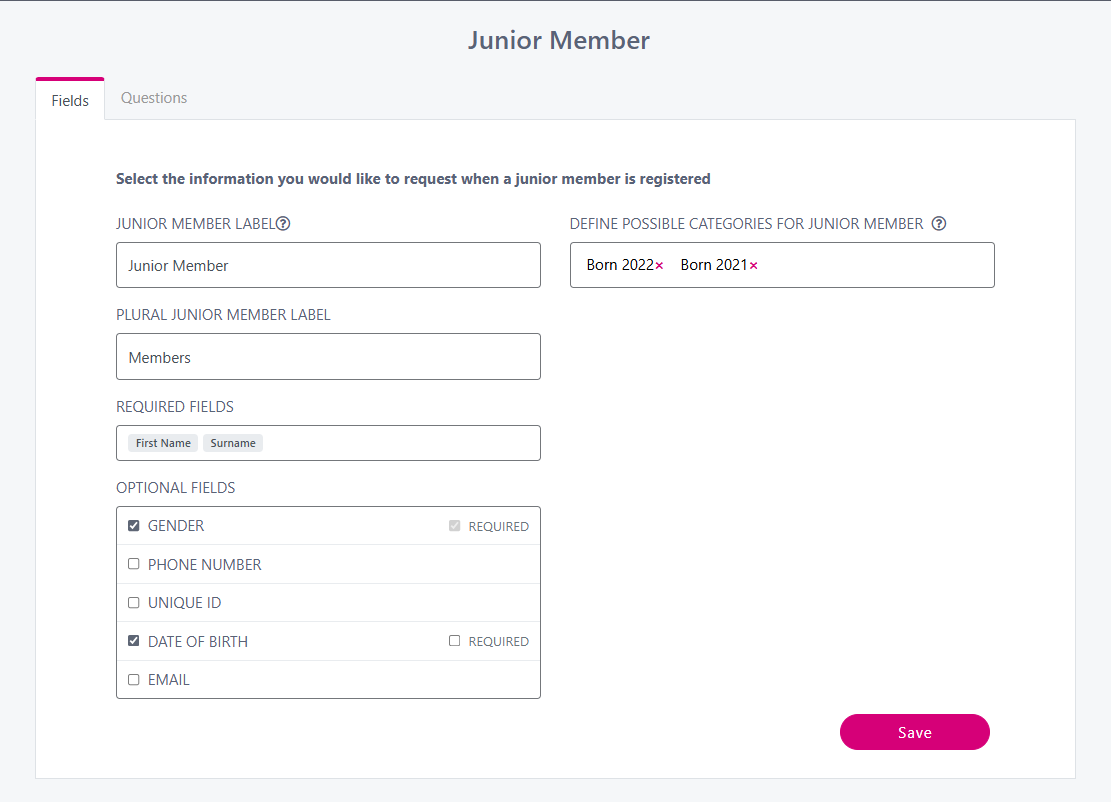
For Sub Accounts, such as junior members or students, select required information like gender and unique ID. Tick the box beside each option to make it mandatory, ensuring complete information is gathered for Sub Accounts.
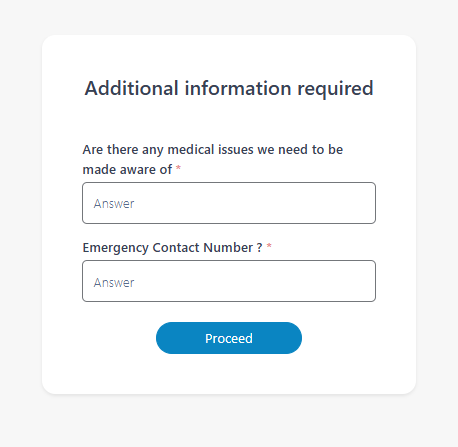
If you add more questions mid-term or mid-season, existing account holders will see a pop-up window to complete those answers at their next login.