Questions
This article will explain how you can edit existing questions and answers.
From the dashboard, click on Manage → Questions
You will see an image like below
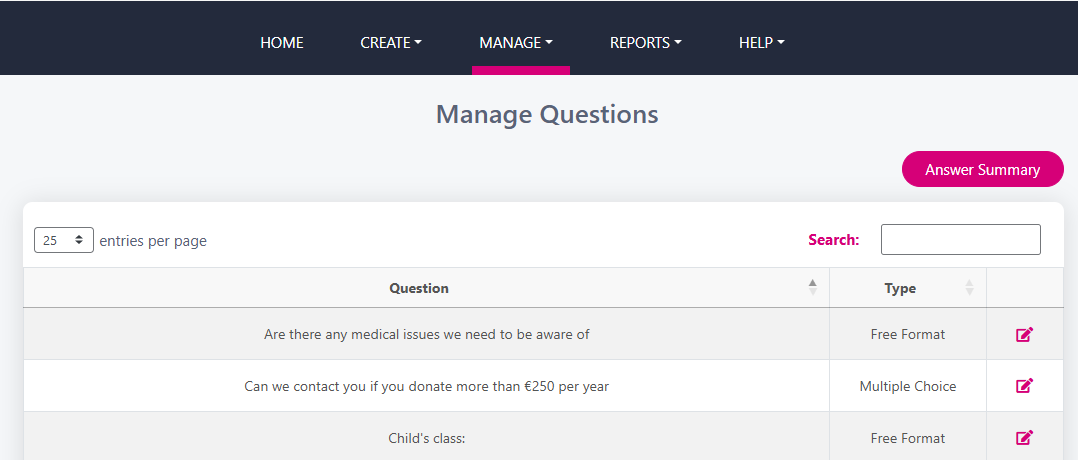
Click on the pink pencil edit icon to the right of the question to update the question definition and/or answer
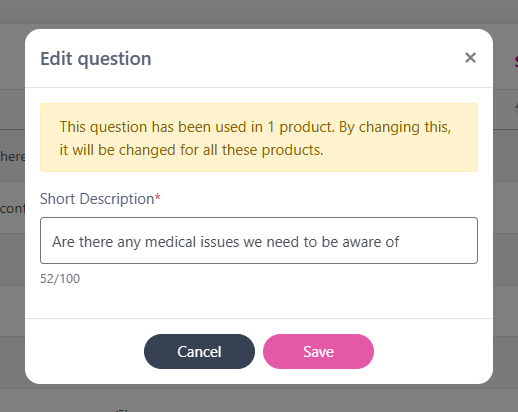
Make necessary changes to the text in the question ‘Short Description’ box and click Save
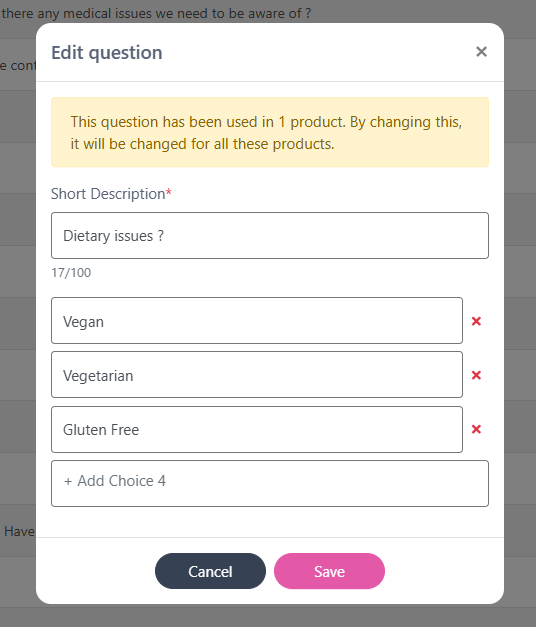
To make updates to the answers on a Multiple Choice type question the same format applies. Click on the pink pencil edit icon. The question and answers will appear and you can add / delete / edit any of the answers from here and click Save when finished