Add a New Account (Student/Member/Customer)
This article will outline how to add a new account to the system.
From the menu select Reports → Registered Accounts.
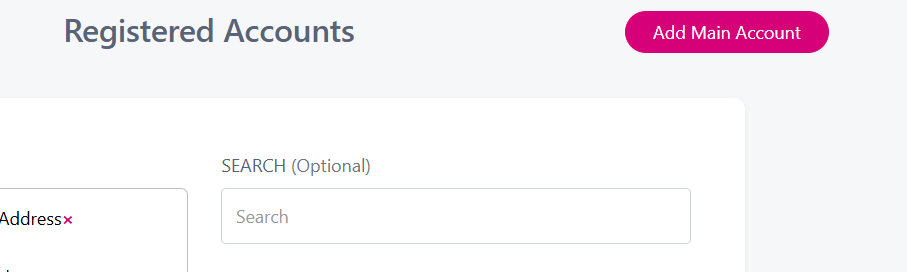
From the below screen click on Add Main Account (This label may vary depending on your organisation type).
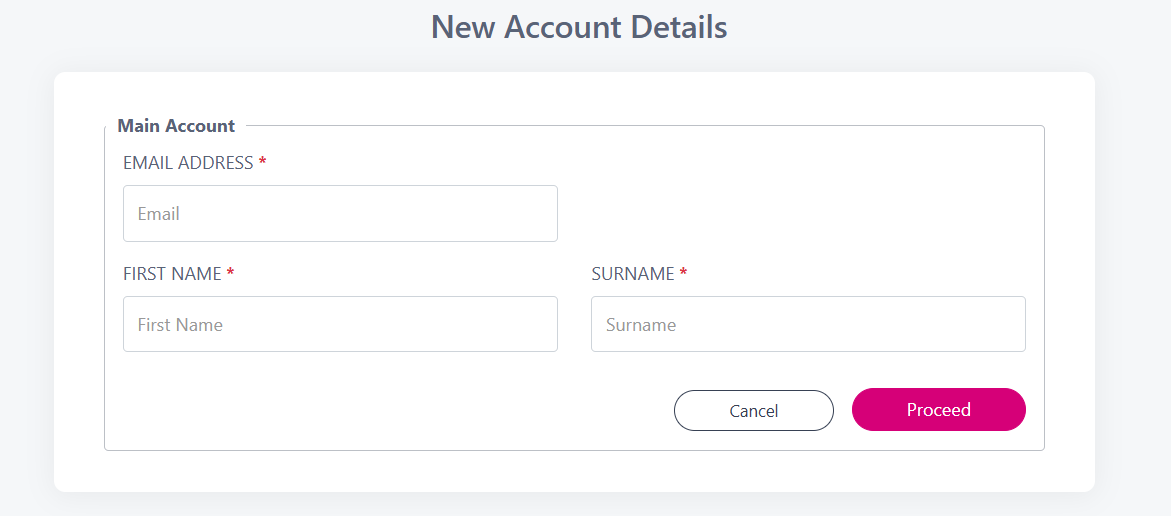
Enter in the account holders Email Address, First Name & Surname and click Proceed.
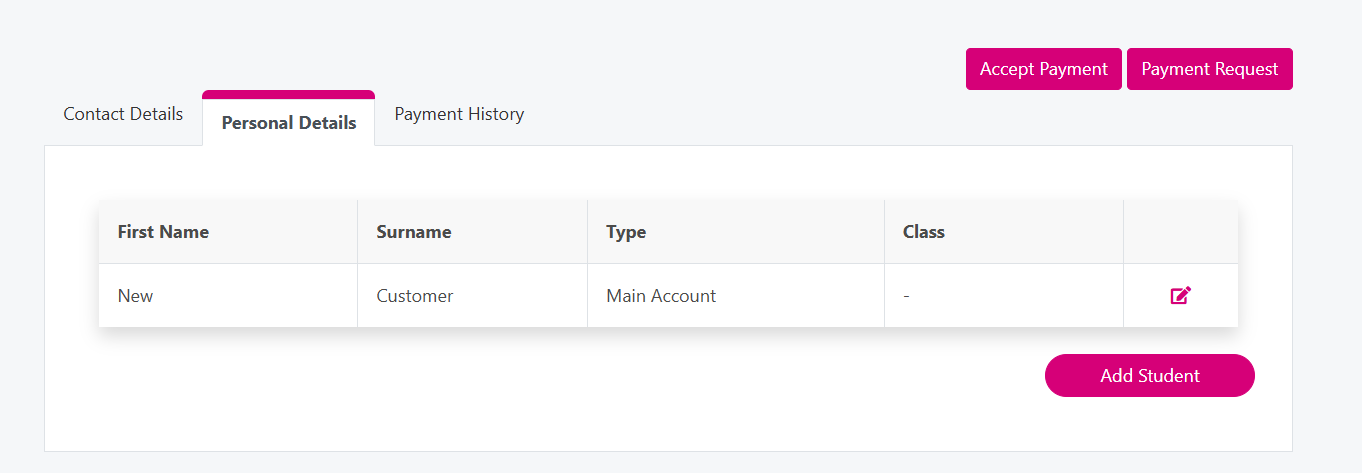
That will then bring you to the newly created account where you can use the Personal Details tab to add additional names to the account. By clicking the ‘Add Student’ button below (This label will vary based on organisation type).